
9 Easy Steps for Improving SEO
People often glaze over when they start to hear about SEO. But the truth is, if you have a business website, you should be applying SEO strategies to improve your reach and enhance your online presence.
While there are nuances and coding involved with SEO, there are also some easy, basic steps that you can take with your website to strengthen its search engine optimization.
There are three main types of SEO: on-page, off-page, and technical.
Tackling some simple on-page SEO strategies will launch your website in a positive direction.
1 - Keywords
The most common term people often hear in regard to SEO is “keywords.”
Keywords help tell both search engines and your readers what your page is about, and they filter into many other aspects of on-page SEO.
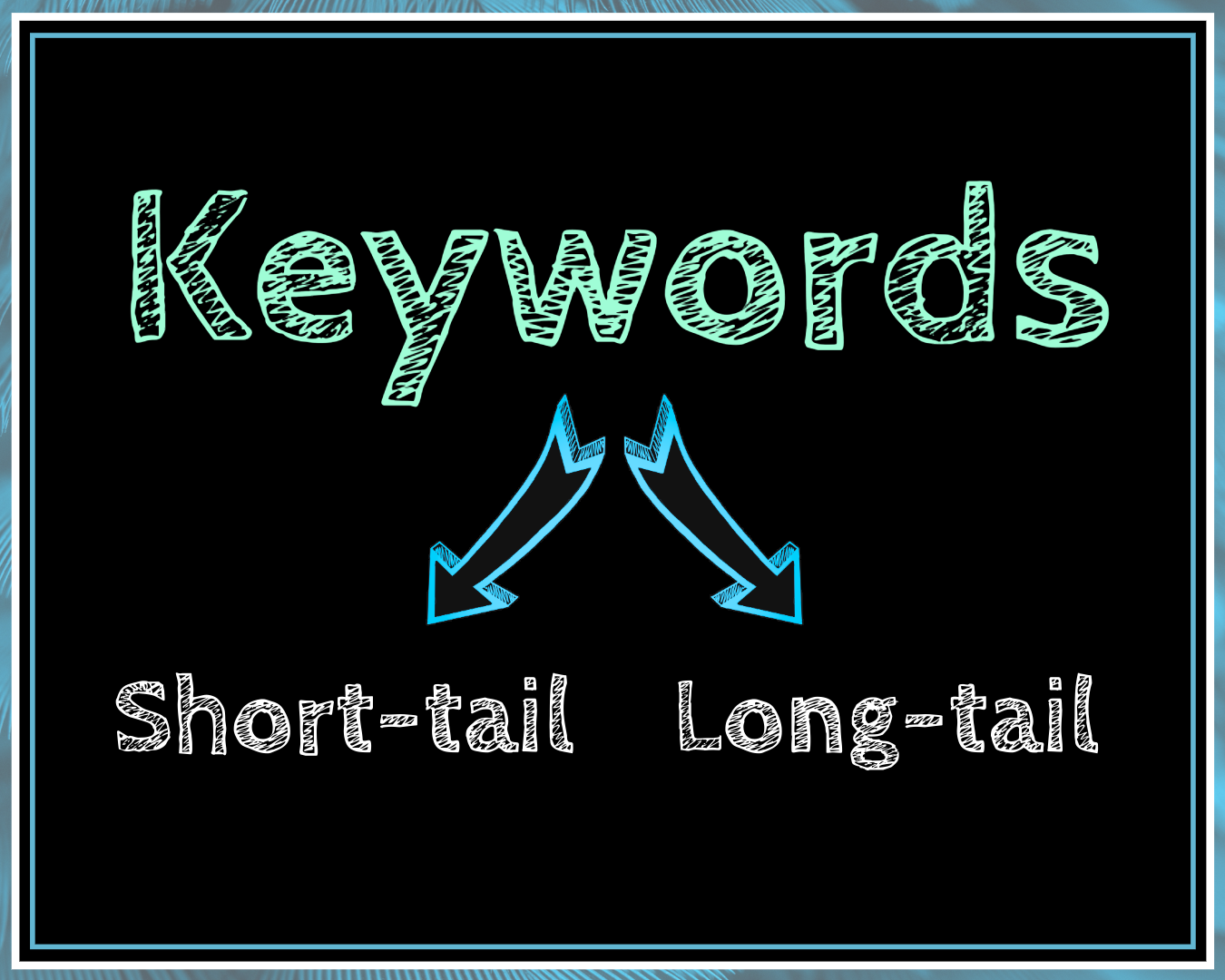
Two types of keywords used in SEO are short-tail and long-tail keywords:
Short-tail keywords entail simple words or phrases that are highly focused on the specific content or topic being discussed. Examples include SEO, digital marketing, or keywords.
Long-tail keywords target a broader thought or question around a topic. Some examples of long-tail keywords include "What is SEO?", "How do I use keywords?", and "Common types of digital marketing."
When choosing keywords for your site, it is important to conduct thorough research to identify which relevant keywords have the highest possibility for ranking and to discover how users search for specific terms and phrases related to your content.
Your primary keyword should be used in your site’s URL, title tag, H1 heading, and within the first 100-150 words in your content’s text.
From there, use secondary keywords (common synonyms and closely matching terms) throughout the remainder of your content. Make sure not to stuff your content with your primary keyword. This comes across as spammy and will negatively impact your SEO.
2 - Title Tags
A web page’s title tag is what you typically see when viewing a search engine results page (SERP). If your site’s title tag is not properly optimized, the search engine may change what appears on the SERP to make it more relevant for users.
Title tags hold a prominent keyword ranking, so it is essential to include your primary, most relevant keyword for your content in your page's title tag. They are a great place to use a long-tail keyword.
Keywords in title tags should be placed as close to the beginning of the title as possible - just make sure the title sounds natural and not forced.
Keep your title tags clear and concise, ideally between 50 and 60 characters.
3 - Headings and Subheadings
Web site headings and subheadings are commonly referred to as H1 (heading) and H2, H3, and so on (subheadings).
H1 headings commonly reiterate the title tag, either exactly or as a close match. The H1 is another key location to use your primary keyword.
Utilize your secondary keywords in your website's subheadings. Structuring your pages this way helps search engines understand your content's format while making it easier for your readers to digest the information you are providing.
Similar to title tags, keep your headings and subheadings short and precise. You want your reader to discern what the section is about easily.
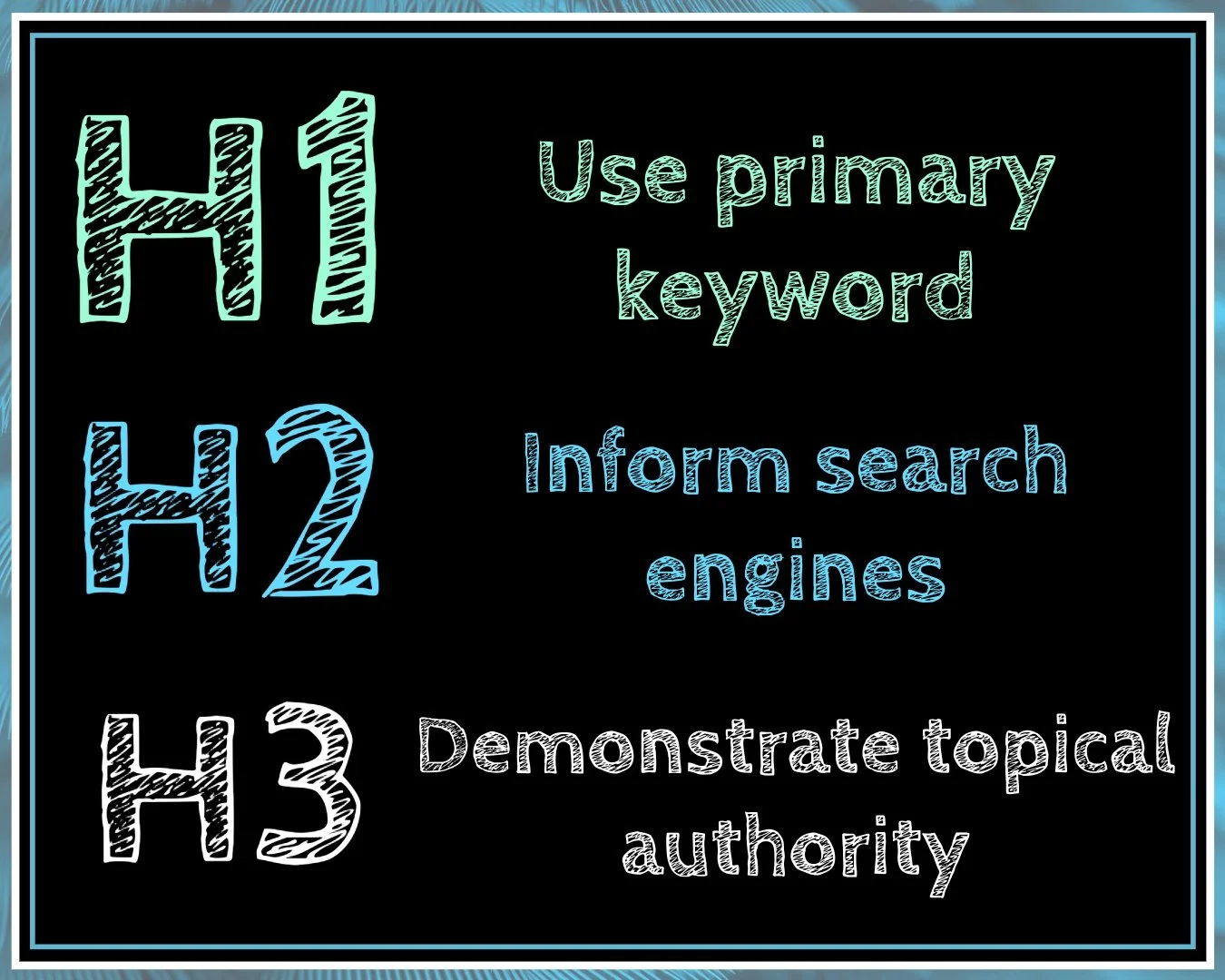
A good rule of thumb to remember when structuring your heading and subheadings is
H1 holds the highest level of importance and should only be used once per page
H2 helps inform search engines what your content is about and should be used multiple times
H3 and on help to demonstrate topical authority on a subject and should be used only as needed
4 - URL Format
Keep your URL slugs short, and include your primary keyword.
The slug is the portion of your site's URL that describes the page's content.
For instance, in https://www.thebluemosscreative.com/what-is-seo, the slug is “what-is-seo”. It is concise and contains the primary long-tail keyword for the page.
Short URLs with primary keywords help improve a page's search rankings by clearly demonstrating its subject matter. They are also more visually appealing to users than non-optimized URLs, such as https://www.yoursite.com/ae-asdkljaskjd9a2lkjalskdja9lkasjdoas9d.
5 - Image Optimization
When optimizing images on your website, consider both file size and file descriptors.
It may seem counterintuitive, but you want to keep your file sizes smaller (without sacrificing image quality). Large file sizes slow page load speed and harm your SEO.
Keeping images under 500KB will improve your page load speed and enhance the user experience on your website.
Optimizing the image’s alt text and file name will help make your page more accessible to users while indicating to search engines what your images display.
In the alt text of the image, describe what is in the image as if you were telling a person. Make sure to include keywords in both the file name and the alt text.
6 - Chunking Content
Unlearn everything you were taught in school about paragraph structure.
When writing online, smaller paragraphs serve you best.
Break up your content into small chunks to make it easier for your readers. People online get overwhelmed by long paragraphs. They want to sift through content quickly and capture the key points.
Keep your paragraphs short - preferably between one and three sentences or one and three lines of text.
Effectively using headings and subheadings helps break up the text for the reader, as does using bullet points and graphics.
Utilizing this strategy will enhance your user experience (UX) and reduce your bounce rate, which is the percentage of people who leave your site without navigating through it.
7 - Link Building
Building links into your website provides added value to your user, decreases your bounce rate, and demonstrates your site’s value to search engines.
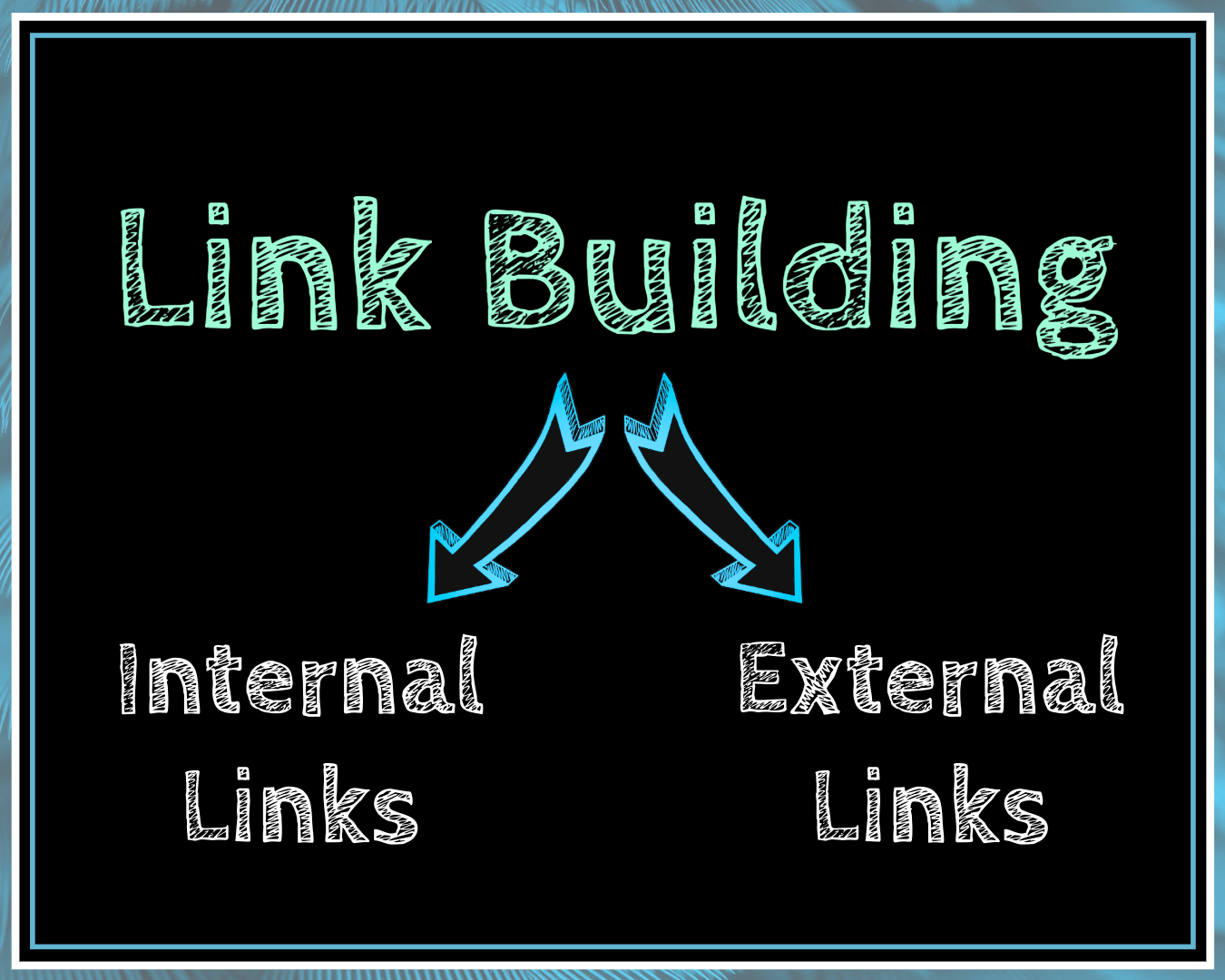
There are two types of links to build into your website: internal links and external links.
Internal links connect to other portions of your website, either to a section on the same page or to a new page entirely. These are the easiest links to build into your content because you know your site's content and how it flows together.
When you provide opportunities for people to navigate to other portions of your website easily, they stay on your pages longer and lower your website's bounce rate.
Common examples of internal links include redirecting users to a Contact page or another relevant blog or article.
External links send readers to a third-party’s website.
Now, this may feel counterproductive. Don’t you want to keep people on your page and not direct them away?
Adding external links to your content provides valuable resources to your users and demonstrates to search engines that your content is well-referenced, increasing your site’s trustworthiness.
Make sure you link to valuable, trustworthy, and reputable sources outside your site that serve as useful resources for your readers to learn more about a given topic.
Use keyword-specific anchor text that describes the content on the linking page for both internal and external links. The user should have a firm understanding of what the redirecting link will tell them more about from the anchor text you use.
An example of informative anchor text is “the basics of SEO” versus telling the user to “click here” or “read more.”
8 - Varying Media Types
Diversifying the media on your website will make the user experience more enjoyable.
Using high-quality images, infographics, charts, and videos throughout your text will keep your readers engaged, which will signal the value of your website to search engines.
If you feel at a loss for which photos to use, search for free stock images for inspiration. Web hosting platforms often have free images available for clients to use on their websites.
9 - Original Content
Always use original content on your website.
While the internet may feel a bit like the Wild West at times, plagiarizing other people’s work and trying to pass off inauthentic content as your own will not only hurt your SEO, but it will also damage your reputation with your clientele.
You know your subject matter. Find the right words and the right style, and share your content with your target audience.
Creating authentic content that aligns with your business's mission and vision will boost your brand's authority, demonstrate your expertise, and build your trustworthiness with search engines and within your market.
Your website's home page is a key place to start. Build a strong home page that tells your business's story and demonstrates your industry experience. This will keep readers on your website longer and entice them to navigate to other internal pages, both enhancing the user experience and helping your SEO.
As you build out the rest of your website's content, keep it up to date and relevant. If you have a blog for "The Best Places to Travel in 2019," readers will seek out a more recent list relative to the current year.
SEO Basics with Blue Moss Creative
When optimizing on-page SEO, keep the end user in mind. Think about what would drive people to your website and what phrases they would use in a search engine to find you.
From there, structure your page and its features to match your ideal reader's search criteria best while keeping your business goals front of mind.
Blue Moss Creative works closely with businesses to optimize their websites to meet their needs and better serve their client base. Contact us today to learn more.
——
This article is for informational purposes and does not constitute official advice.
Contact Blue Moss Creative today to schedule your free consultation.